html.cloud vs Netlify Drop
Both let you get an HTML thing online in seconds without touching a config file — which is why they
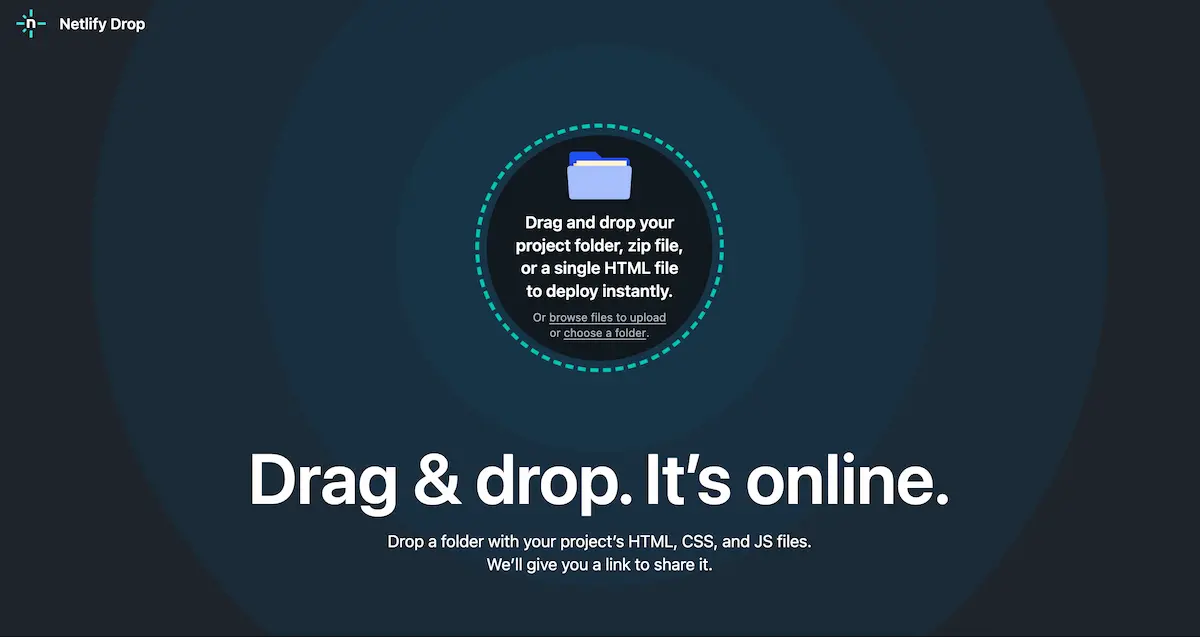
get compared. But they aim at opposite outcomes. Netlify Drop publishes: it
deploys a folder to a public *.netlify.app address on a CDN, and nudges you to claim the
deploy with an account so you can keep it. html.cloud delivers: it takes one
self-contained HTML file, encrypts it in your browser, and hands you a private link to send to a
specific person — no account, no public URL.
A scenario that tells them apart
Say Claude just built you an interactive sales dashboard as a single HTML file, and you need to get
it to one client this afternoon. Drop it on Netlify and it lands at a public address like
silly-name-1a2b3c.netlify.app; anyone who comes across that URL can open it, and to
keep or replace the deploy you'll be asked to sign up. To make it genuinely private you'd move to
Netlify's paid tier for password protection. Drop the same file on html.cloud and you get a link
whose # fragment carries the decryption key — the client opens it, and
without that exact link there is nothing to find. Set it to expire in 7 days and it's gone.
At a glance
| html.cloud | Netlify Drop | |
|---|---|---|
| What you share | One self-contained HTML file | A whole site / folder of files |
| Default visibility | Private — only people with the link | Public *.netlify.app URL |
| Privacy model | Client-side AES-256-GCM; we store only ciphertext | Files served in plaintext from the CDN |
| Password protection | Not needed — the link itself is the secret | Paid feature (Pro plan, $20/mo) |
| Account | None, ever | Anonymous drops are temporary; keeping one needs an account |
| Free-tier ceiling | Free to share; size-limited per file | ~15 GB bandwidth/mo on the free credit allowance |
| Expiry & deletion | 7 / 30 days / never; replace or delete anytime | Lives in your account until you delete it |
| Custom domain, CDN, CI | No — it isn't a host | Yes — a full hosting platform |
Where Netlify Drop is the better tool
This isn't a case where one wins outright. If you're putting a public thing online — a marketing site, a multi-page prototype, a portfolio — Netlify is built for it and html.cloud simply isn't: there's no custom domain, no CDN tuning, no build pipeline, and no multi-file site. html.cloud handles exactly one HTML file and nothing else. Reach for Netlify Drop when the goal is publish to the world; reach for html.cloud when the goal is send this one file to that one person, privately.
FAQ
Can I password-protect a Netlify Drop site for free?
No — site-wide password protection is a paid Netlify feature (the Pro plan, $20/mo on their
credit-based pricing). A free anonymous drop sits at a public *.netlify.app URL that
anyone with the address can open. html.cloud is private at no cost: the file is encrypted in your
browser and the key stays in the link's # fragment, never sent to the
server.
Does a Netlify Drop deploy stay up if I don't sign in?
Not reliably. You can drop a folder without an account, but the deploy is anonymous and temporary — Netlify prompts you to claim it by creating an account, and there's no dependable way to manage an unclaimed one. html.cloud needs no account; the link you get is the durable artifact.
Which should I use for a single HTML file?
Netlify Drop if you want to publish it to the public on a real URL or custom domain. html.cloud if you want to deliver it privately to specific people without putting it on a public address.