html.cloud vs CodePen
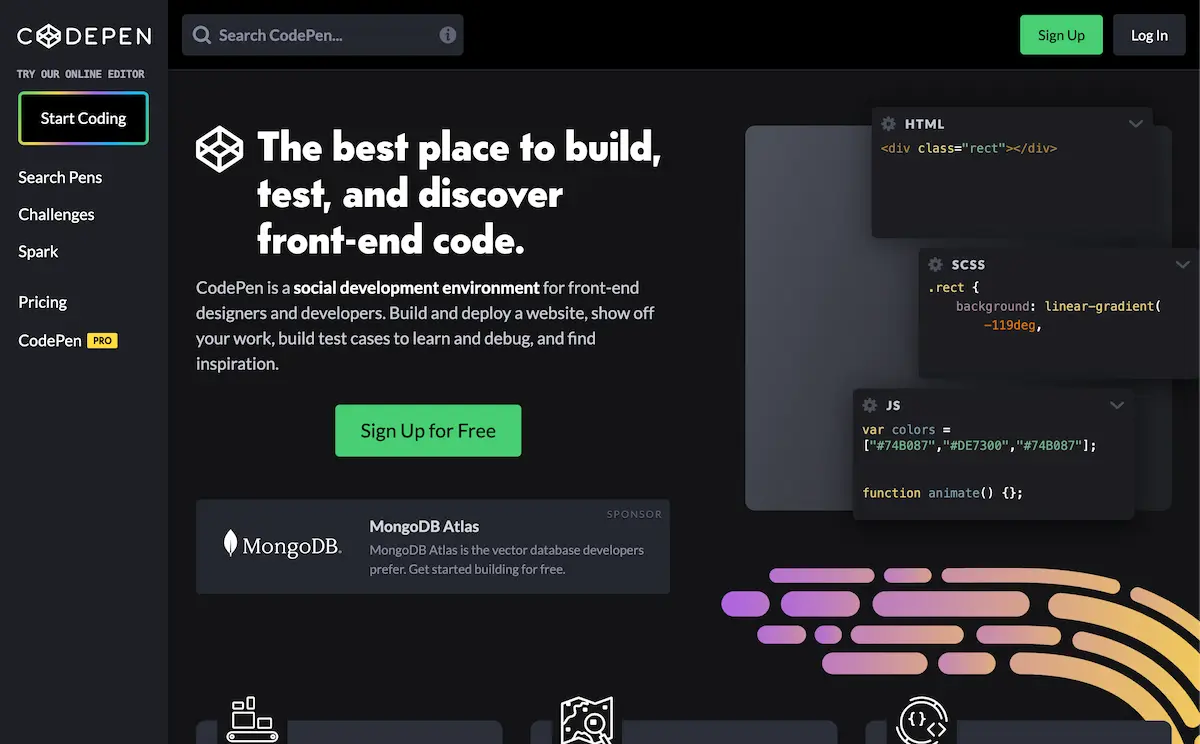
Both can turn HTML into something you send with a link, which is why they come up together — but they point in opposite directions. CodePen is a playground for the code: it puts the recipient in an editor, shows the source, and lists your work publicly unless you pay for privacy. html.cloud is for the result: it takes one finished HTML file, encrypts it in your browser, and gives you a private link that opens the rendered page — no editor, no account, nothing listed.
A scenario that tells them apart
Suppose an AI just generated a polished HTML dashboard and you want your manager to look at it. Put
it in a Pen and, on the free tier, it's a public URL on your CodePen profile and in search, opened in
an editor where your manager sees the raw code first and the result second — to keep it off the public
web you'd upgrade to PRO. Drop the same file on html.cloud and the link opens straight to the
dashboard, private to whoever you send it to, with the decryption key living in the link's
# fragment and never touching the server. One is for showing how it's
built; the other is for handing over the thing itself.
At a glance
| html.cloud | CodePen | |
|---|---|---|
| What it's for | Privately delivering a finished HTML file | Writing, showing & iterating front-end code |
| What the recipient sees | The rendered page | An editor with your source code + preview |
| Default visibility | Private — only people with the link | Public & listed on your profile / in search |
| Privacy model | Client-side AES-256-GCM; we store only ciphertext | Code stored and shown in plaintext |
| Cost of privacy | Free — the link is the secret | Private Pens need PRO (from $8/mo) |
| Account | None | Account needed to save and manage Pens |
| Live editing / community | No — replace the file via a private edit link | Yes — in-browser editing, embeds, a community |
Where CodePen is the better tool
If the code is the point, CodePen wins and html.cloud isn't even in the running. Prototyping in the browser, sharing a CSS technique, embedding a live editable demo in an article, teaching, pair programming, browsing what others have built — that's what CodePen is for, and it's excellent at it. html.cloud has no editor, no embeds, and no community; it can't show or teach code. Reach for it only at the end of that journey, when you have a finished HTML file and need to hand it to a specific person without publishing it or showing them the source.
FAQ
Are CodePen Pens private, and does it cost anything?
On the free tier, Pens are public by default and appear on your profile and in search. Private
Pens are a PRO feature — any paid plan unlocks them, from $8/mo (Starter). html.cloud is private at
no cost: encrypted in your browser, with the key in the link's #
fragment, never sent to the server.
Does the recipient see my source or the finished page?
CodePen shows source — the recipient lands in an editor with your code visible next to a preview. html.cloud shows only the rendered page; they open the link and see the finished result.
What's the difference between html.cloud and CodePen?
CodePen is a social playground for writing and showing code, with a community and live editing. html.cloud does one thing: privately deliver a finished HTML file to a specific person via an encrypted link, with no account and nothing public.